

Profit Tool: how to add external expenses
Among the other amazing features of this suite, the Profit Tool of ZonWizard allows you to keep track of all the expenses related to your business even those external to Amazon
To do so go to the Profit > External Expenses menu.
Clicking on the “Add” button will open this input mask.

In here you can indicate the date of the expense, choose whether it is recurring (daily, weekly, monthly, annual) or one-time, and eventually even the ending date of recurring payments.
Select or add a category to catalogue the type of expense and furnish a unique description to distinguish it from the other expenses.
It is also possible to associate an expense with a specific ASIN and/or with a specific marketplace.
Lastly, indicate the amount in Euros and save.

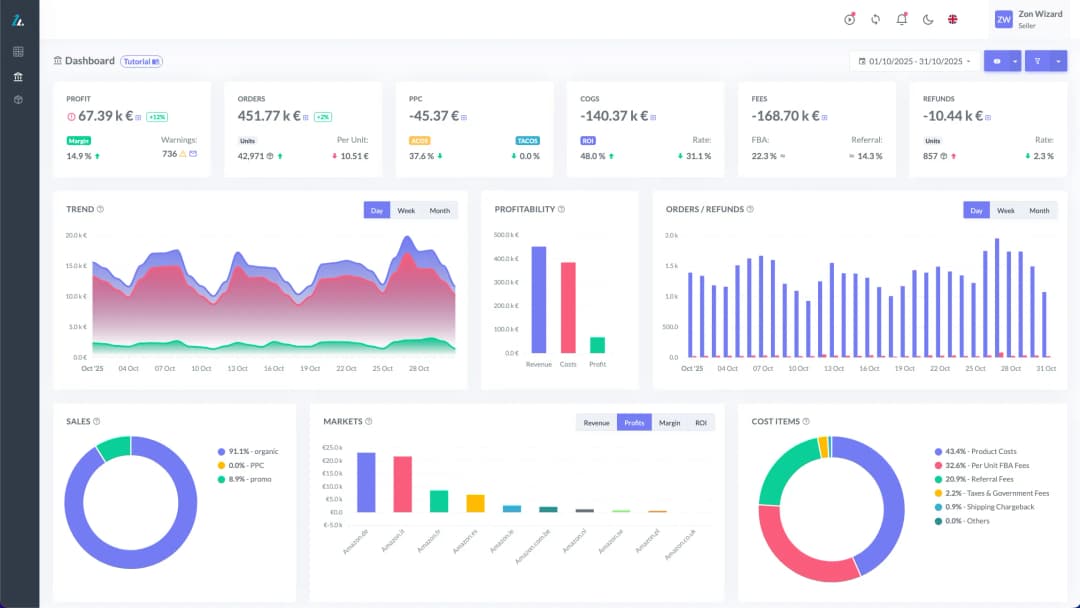
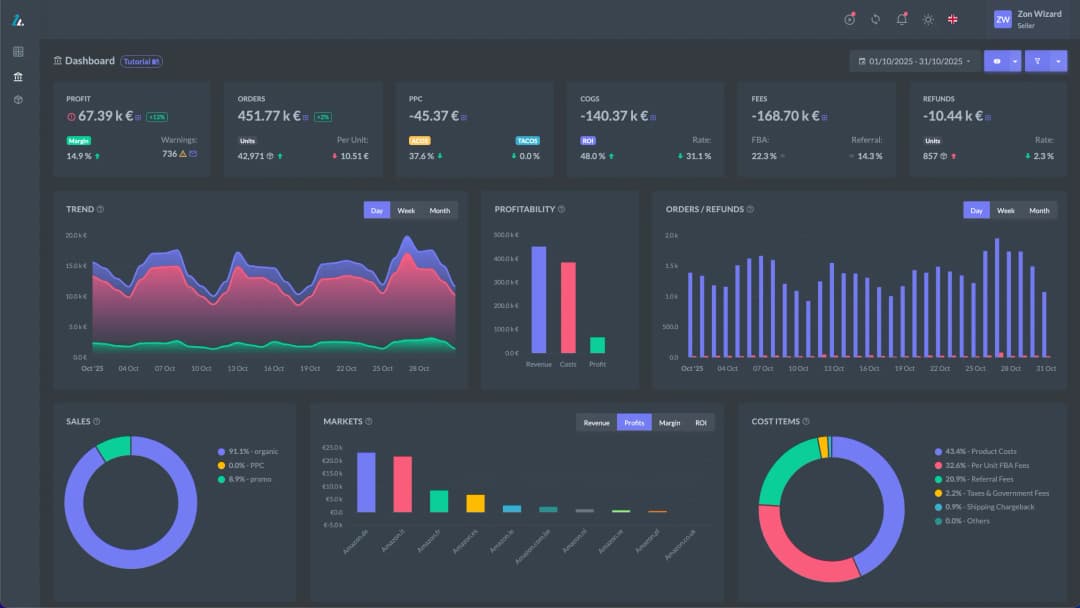
ZonWizard will keep track of these expenses and take them into account in the Profit Dashboard as well as in the Budget.
Loading…

Amazon translates product images with AI: what changes for international sellers
Amazon has recently rolled out a feature many international sellers had been waiting for: automatic translation of the text inside product images. Thanks to artificial intelligence, the text overlaid on images (from size charts to technical specs, from feature callouts to comparison infographics) is now translated automatically into the customer’s language, without the seller having…
September 1st, 2026

Why Amazon sometimes deletes listings: what causes it and how to act
If you sell on Amazon, you may already have been through this unpleasant surprise. You open your inventory management page, and one of your listings is gone. No warning, no email, just the feeling of having lost sales, organic ranking and months of work in a matter of minutes. There is good news, though. In…
September 1st, 2026
Ready to transform your business?
Start your free 30-day trial today, setup takes just a few minutes. No credit card required, cancel anytime.