



Amazon: Tax, Profit and FBA Under Control
Connect Seller Central in minutes. ZonWizard turns Amazon's reports into ready-to-file VAT, OSS and daily takings, shows the real profit of every SKU and keeps FBA shipments, reimbursements and reorders under control.
Every Amazon fee, finally where it belongs
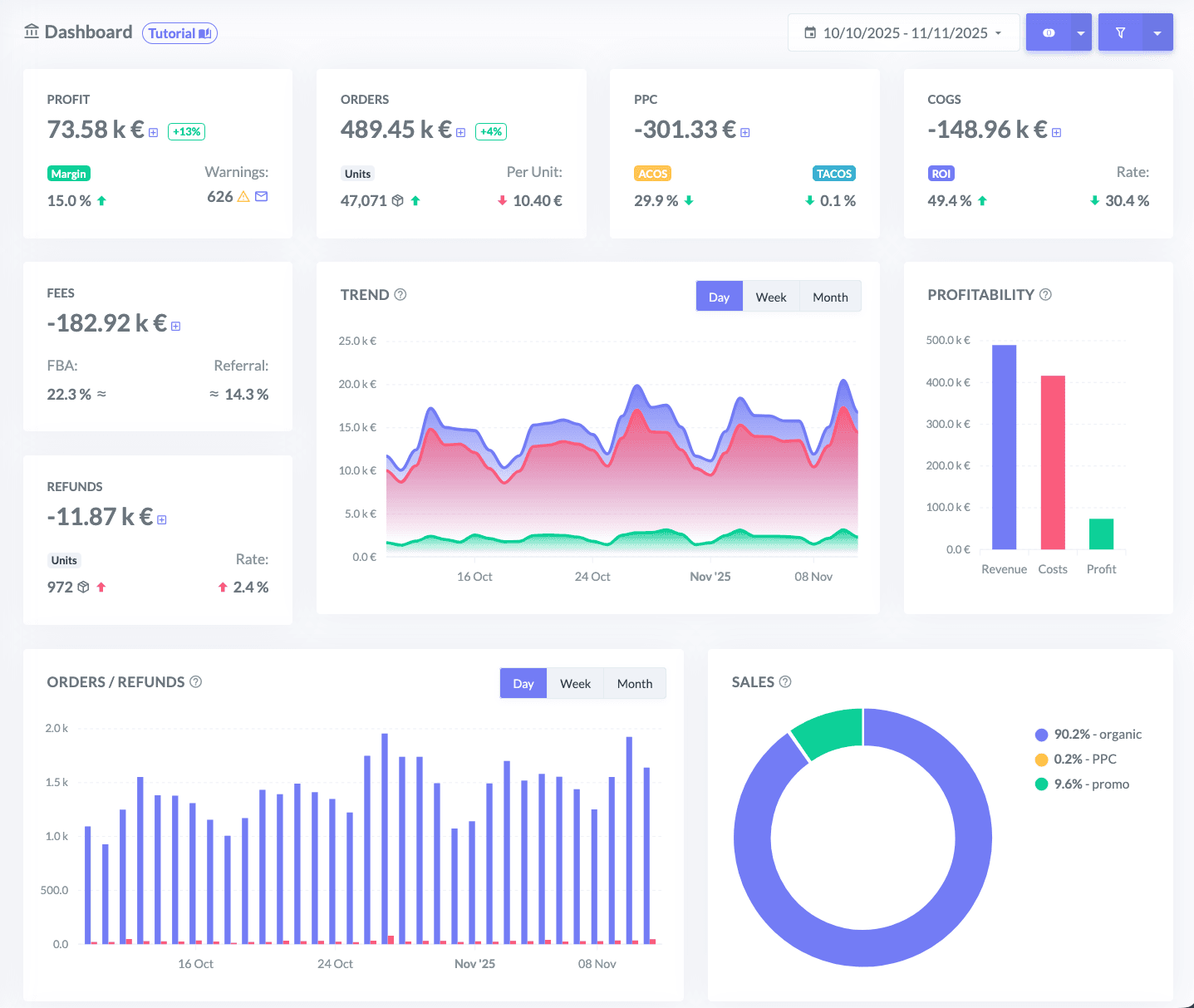
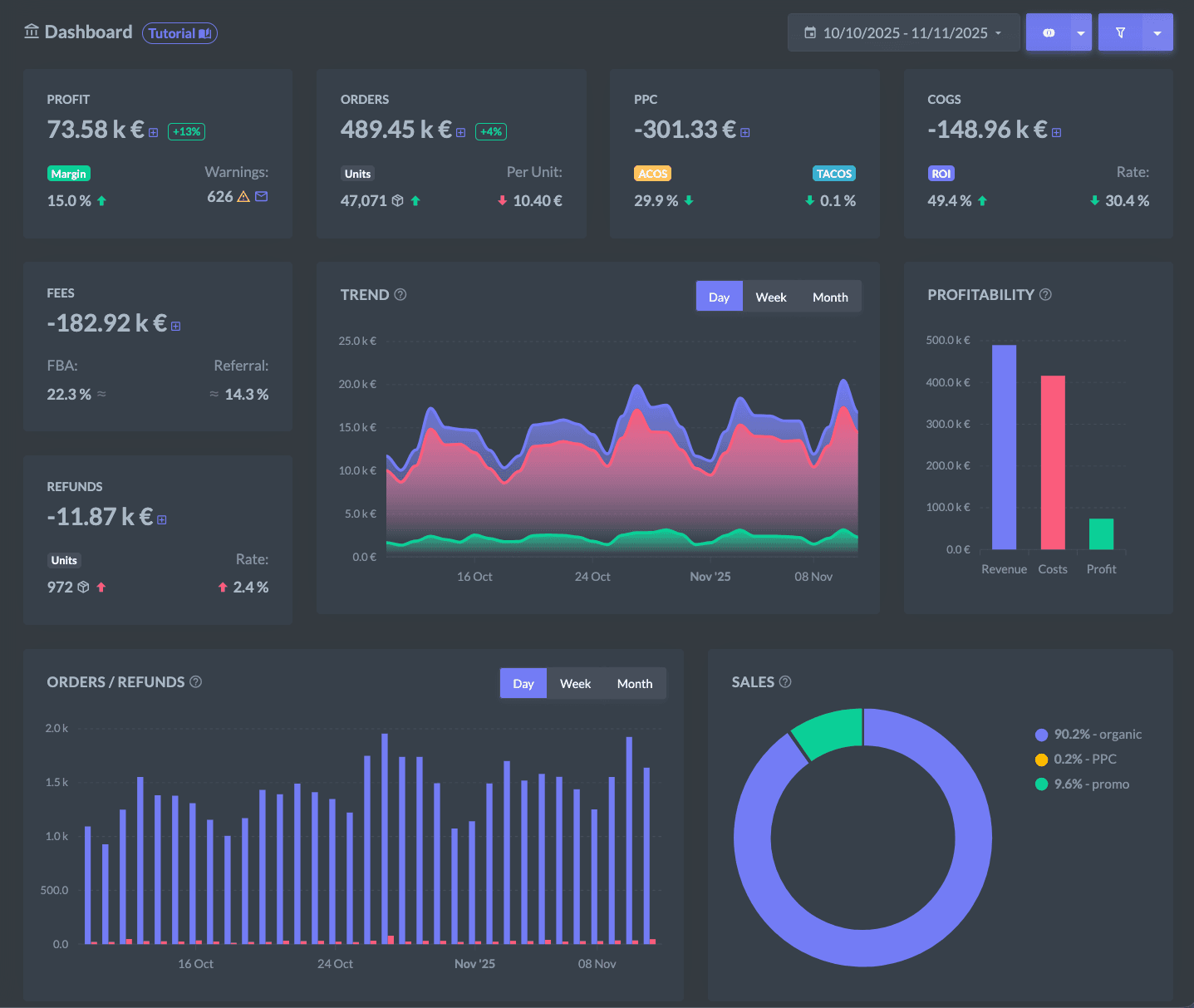
Referral fees, FBA fees, chargebacks, returns, advertising and cost of goods: ZonWizard breaks down every line of Amazon's reports and shows your net profit by SKU, parent product, brand and marketplace.
Fees line by line
See how much FBA fees, referral fees and fees withheld on returns weigh on every order.
ACOS and TACOS on your real margin
Connect Amazon Advertising: ad spend goes into your profit and you judge campaigns on what you earn, not just on what you sell.
Cost of goods per batch
Set the purchase cost of each batch: ZonWizard calculates the weighted average on your stock and updates past profit if you correct a cost.
Simulate before you decide
The profit calculator shows the effect of a logistics or price change, and you can update the listing price directly on Amazon.
On Amazon every sale counts. So does every fee, VAT rate and unit in stock.
These are the details your margin depends on. Here's where Amazon sellers risk losing money, and how ZonWizard keeps them under control.
Fees that change without warning
Amazon updates fees and FBA size tiers, and a profitable product can slip into a loss without you noticing. ZonWizard recalculates the profit of every order with the fees actually charged and alerts you when a SKU's margin drops below the threshold you set.
Explore the Profit ToolVAT report
VAT report
VAT report
VAT report
Pan-EU: VAT follows your stock
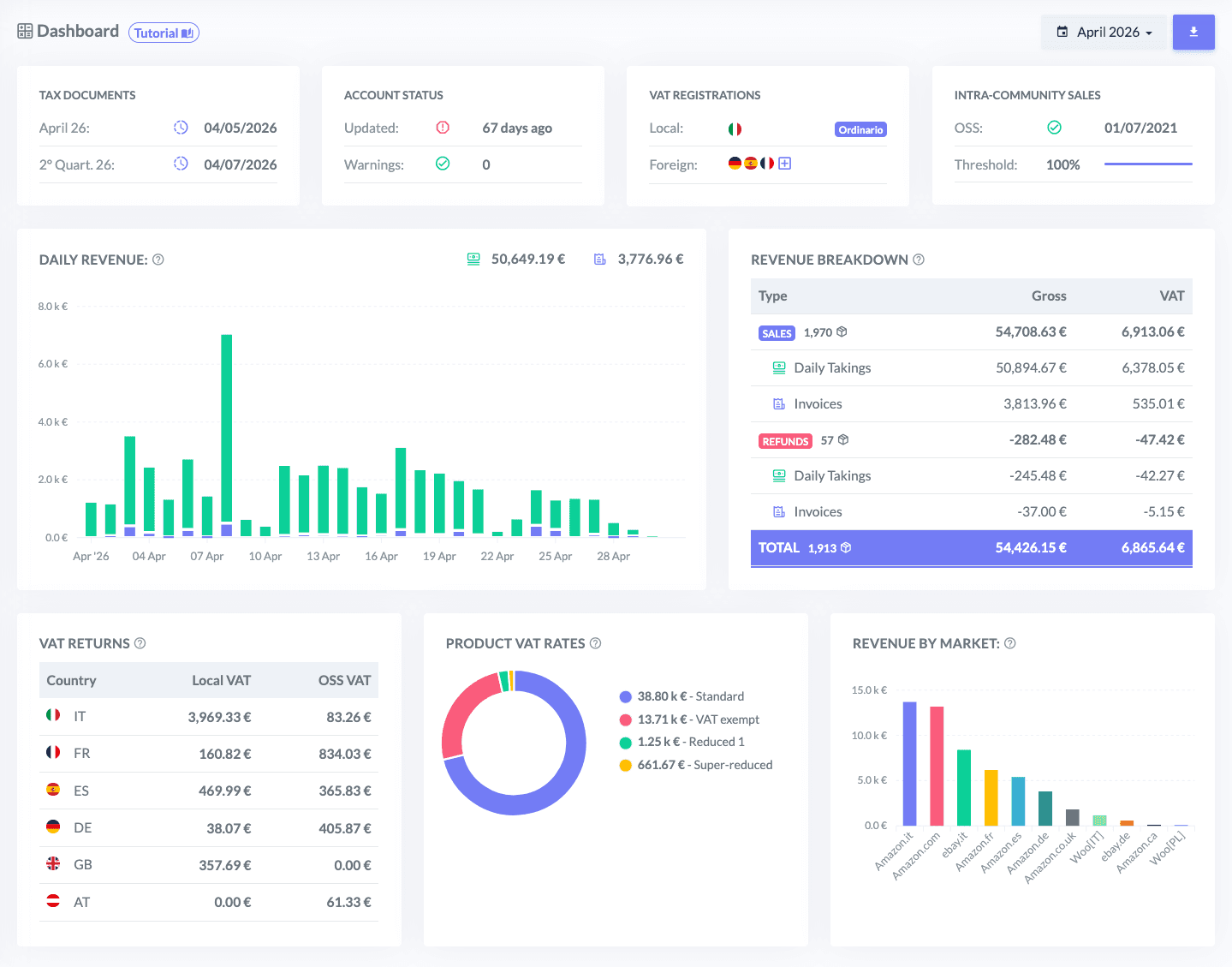
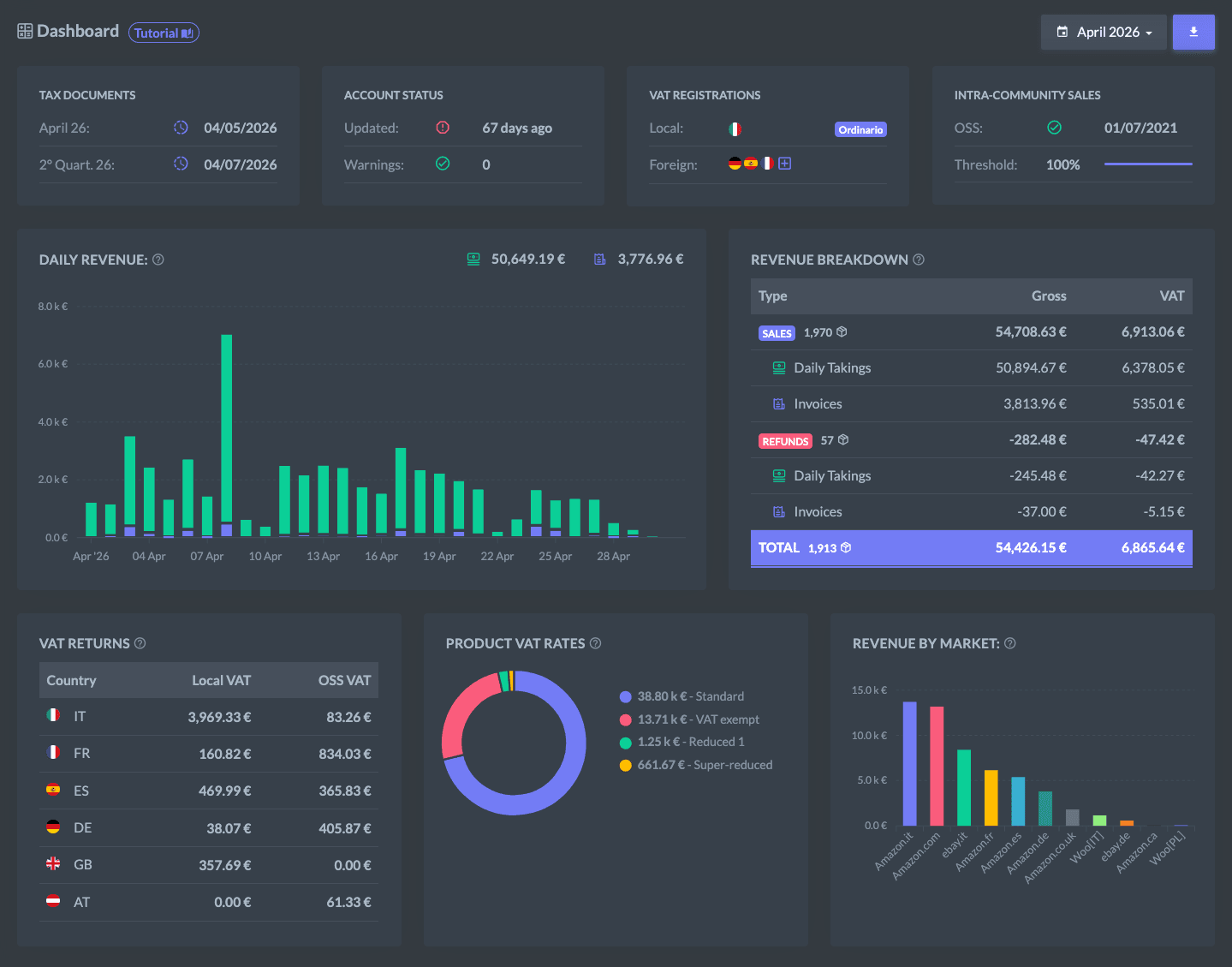
With the Pan-European program Amazon moves your stock between its fulfillment centers, and every storage country brings VAT obligations. ZonWizard generates local VAT reports for every country where you are registered and tracks every transfer between warehouses, with the value of the goods already calculated.
Explore the Accounting ToolDistance sales, one threshold for every channel
B2C sales to other EU countries made on Amazon add up with those from your ecommerce store and other marketplaces. ZonWizard monitors the threshold across all channels, alerts you as you get close and prepares the OSS report with the data ready for your return.
Explore the Accounting ToolA stockout costs more than lost sales
When an FBA product runs out you lose sales, ranking and often the Buy Box. ZonWizard calculates the sales velocity of every SKU and tells you when to reorder from your supplier and when to replenish FBA, and how many units.
Explore the Inventory ToolAmazon tax, from the transaction report to the return
ZonWizard reads Amazon's VAT transactions report and turns it into the documents you and your accountant need, for every country and every fulfillment program.
Explore the Accounting ToolDaily takings
The book is built from Amazon's transaction report, with refunds deducted on the day they are issued. Choose FBA, FBM or both and export to PDF, Excel or XML.
Local VAT reports
The VAT due on local sales in every country where you hold a VAT number, monthly or quarterly.
Pan-EU transfers
Every movement of goods between Amazon warehouses in Europe, valued at purchase cost, with a warning when a product lands in a country where it has no VAT rate yet.
Invoices and credit notes
Retrieved automatically if you use Amazon's invoicing service, including commingling and liquidations, with VAT number checks on VIES.
Reduced rates
Detected automatically from your product tax codes in Seller Central, or set manually in ZonWizard.
Access for your accountant
Your accountant downloads documents and reports on their own, without having to ask you every month.
Your warehouse and Amazon's, in a single view
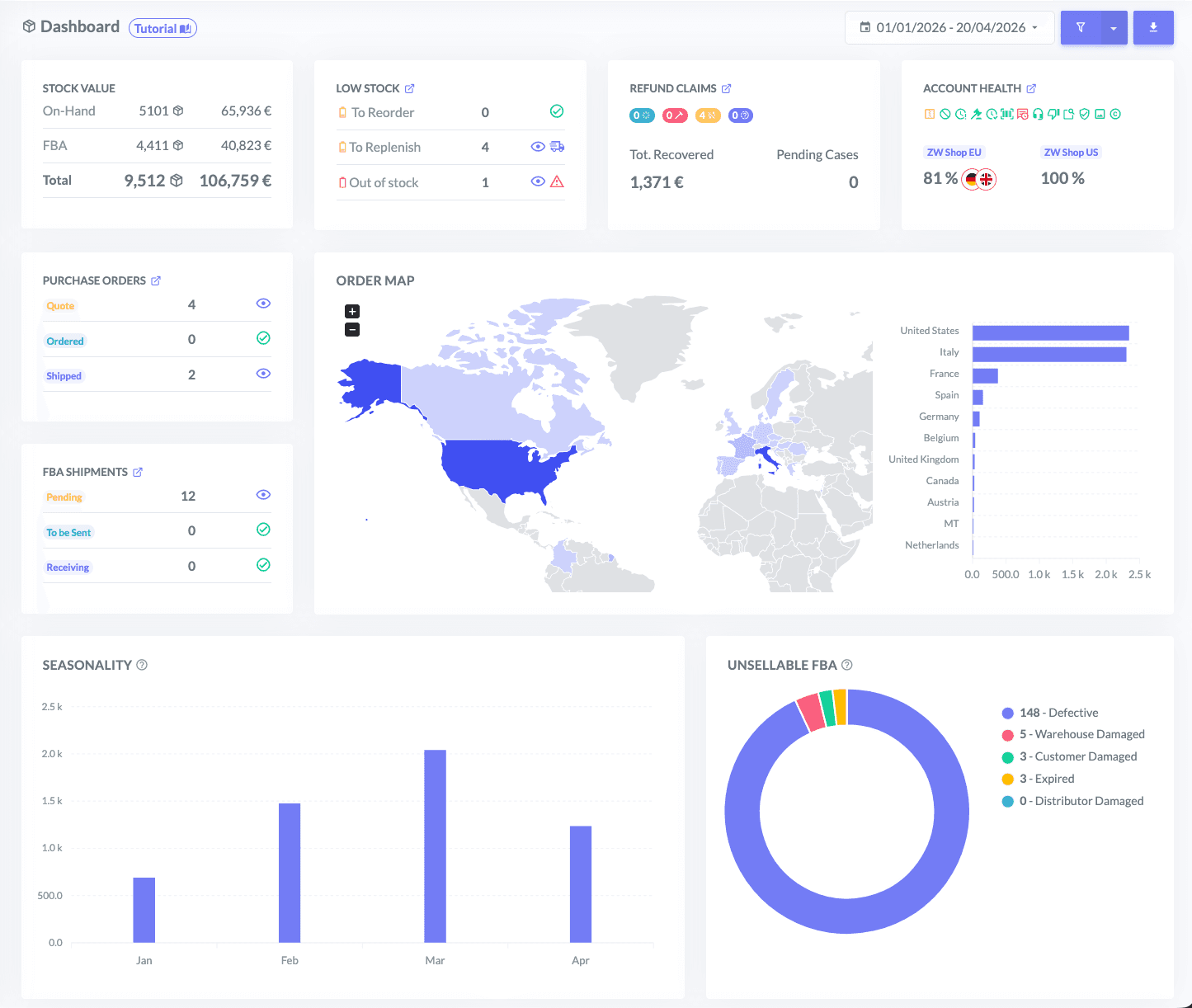
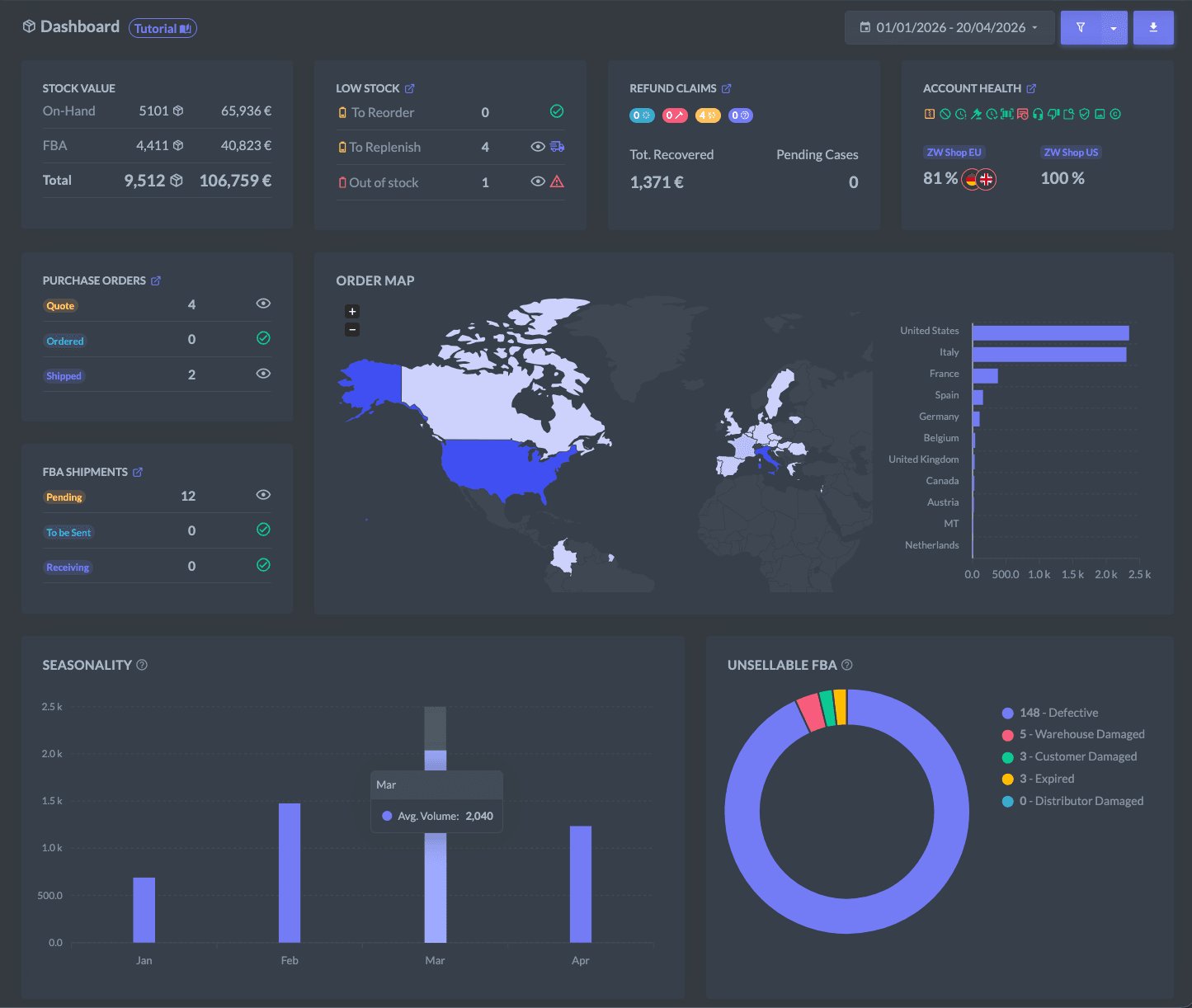
Stock in your warehouse, units in FBA, inbound and in transfer: ZonWizard tells you when to order from your supplier and when to replenish Amazon, product by product.
Explore the Inventory ToolNext order and next replenishment
For every product you see stock in your warehouse and in FBA, the date of the next supplier order and the suggested quantities.
Forecasts on real velocity
Sales velocity gives more weight to recent days and leaves out the days you were out of stock, so you never underestimate your best sellers.
Purchase orders and suppliers
From quote request to goods received, with automatic drafts for each supplier and a margin preview before you order.
One inventory for every marketplace
Merge the same product sold on several marketplaces or other channels under a single internal SKU.
Stock at a given date
Value your inventory at a specific date, for example at year end for your financial statements.
Unsellable stock
Keep an eye on expired, defective or damaged units in Amazon's fulfillment centers.
FBA shipments, from box to receipt
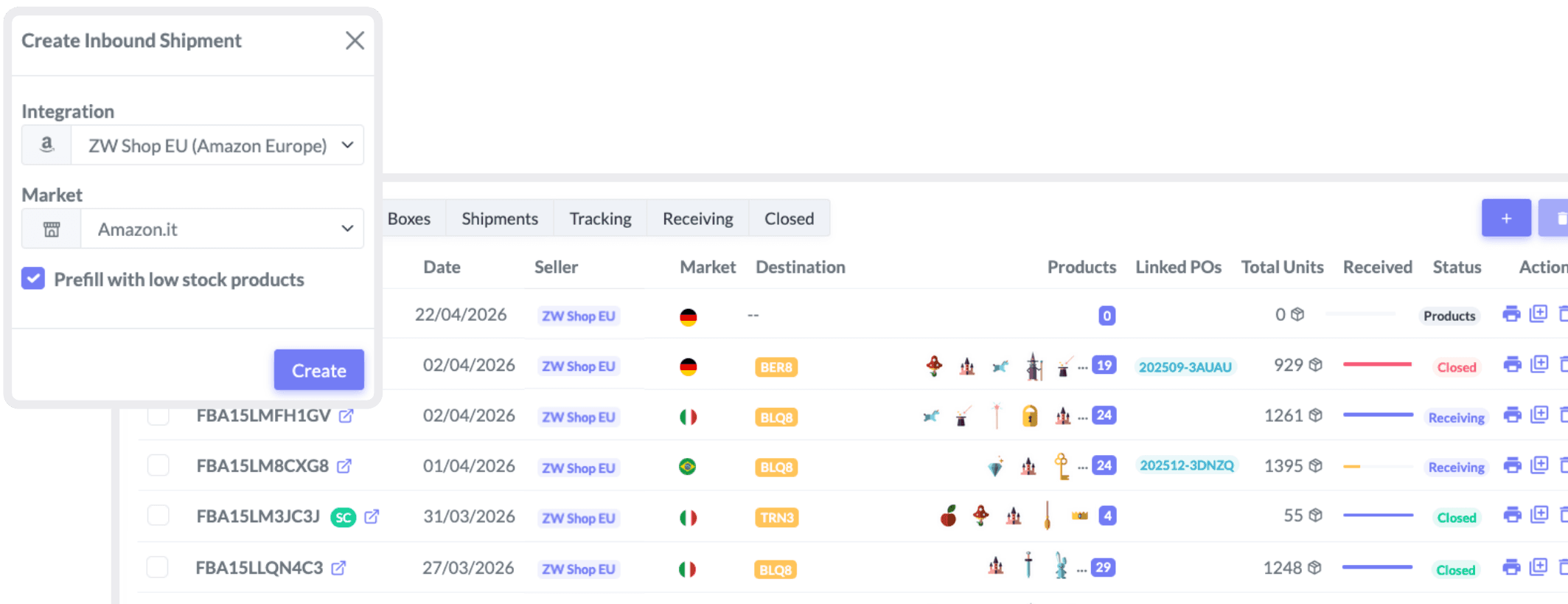
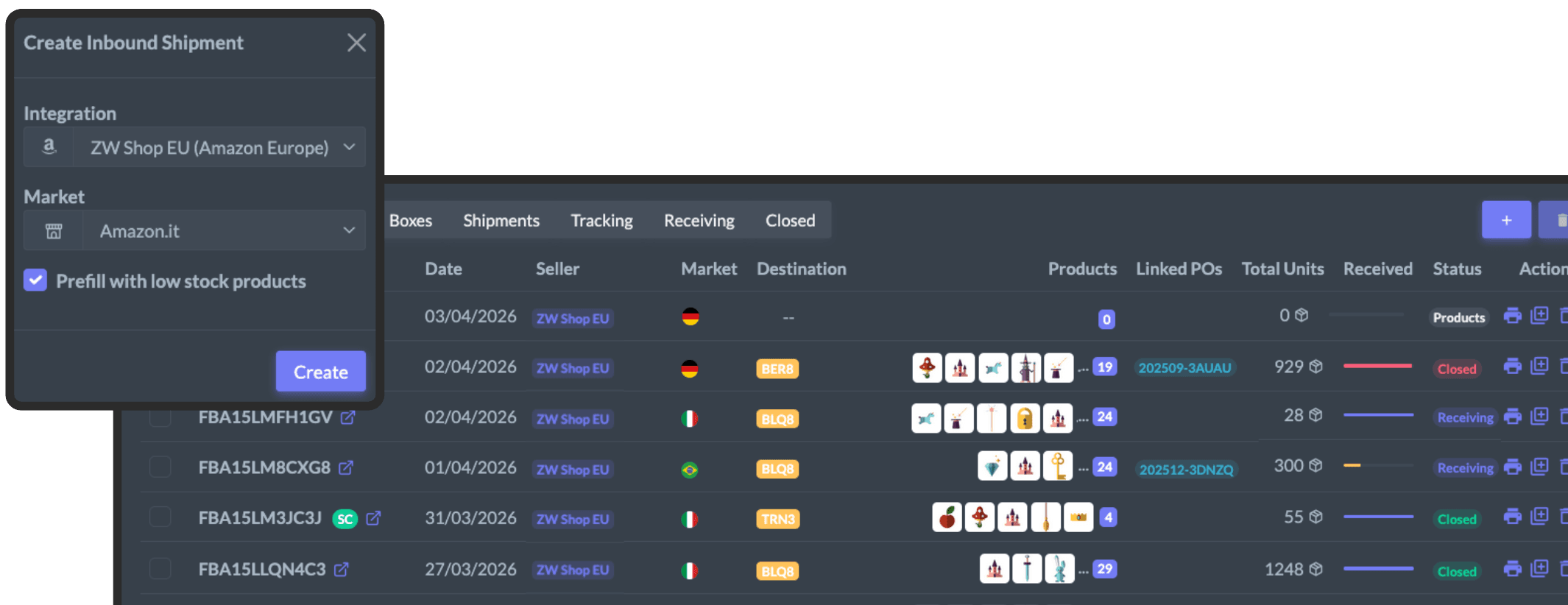
Create shipments to Amazon directly in ZonWizard and follow them until every unit has been received, with no spreadsheets and no copy and paste into Seller Central.
Explore the Inventory Tool- 1Products
- 2Groups
- 3Boxes
- 4Shipments
- 5Tracking
- 6Receiving
Boxes filled automatically
ZonWizard spreads the units across boxes and generates the labels, so you prepare a shipment in minutes.
Parcels or pallets, with your carrier
Small parcel or pallet shipments, with the carrier you prefer.
Receiving under control
Received units update on their own, the average FBA cost is recalculated and you instantly see any gap between sent and received.
FBA reimbursements: recover what Amazon owes you
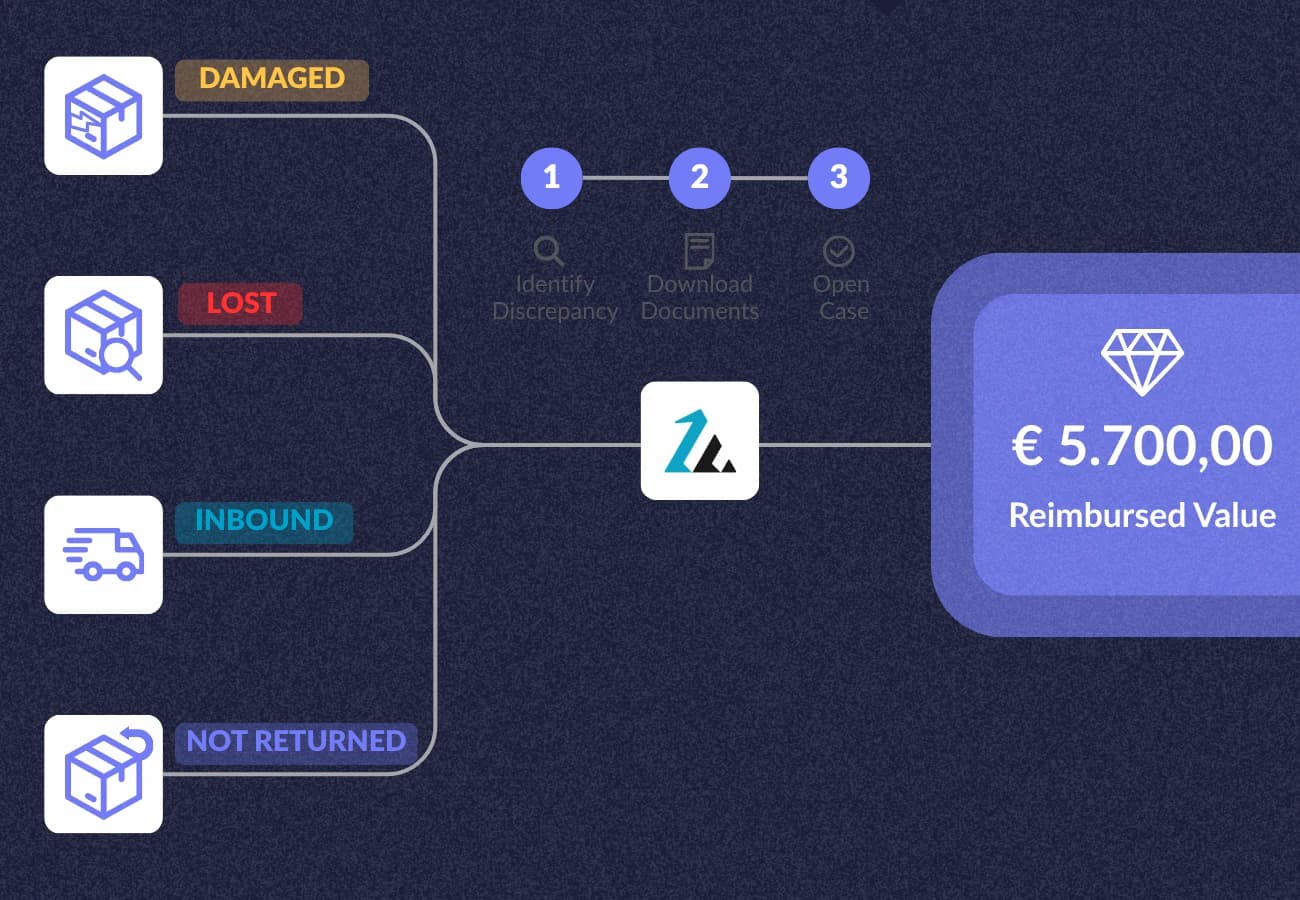
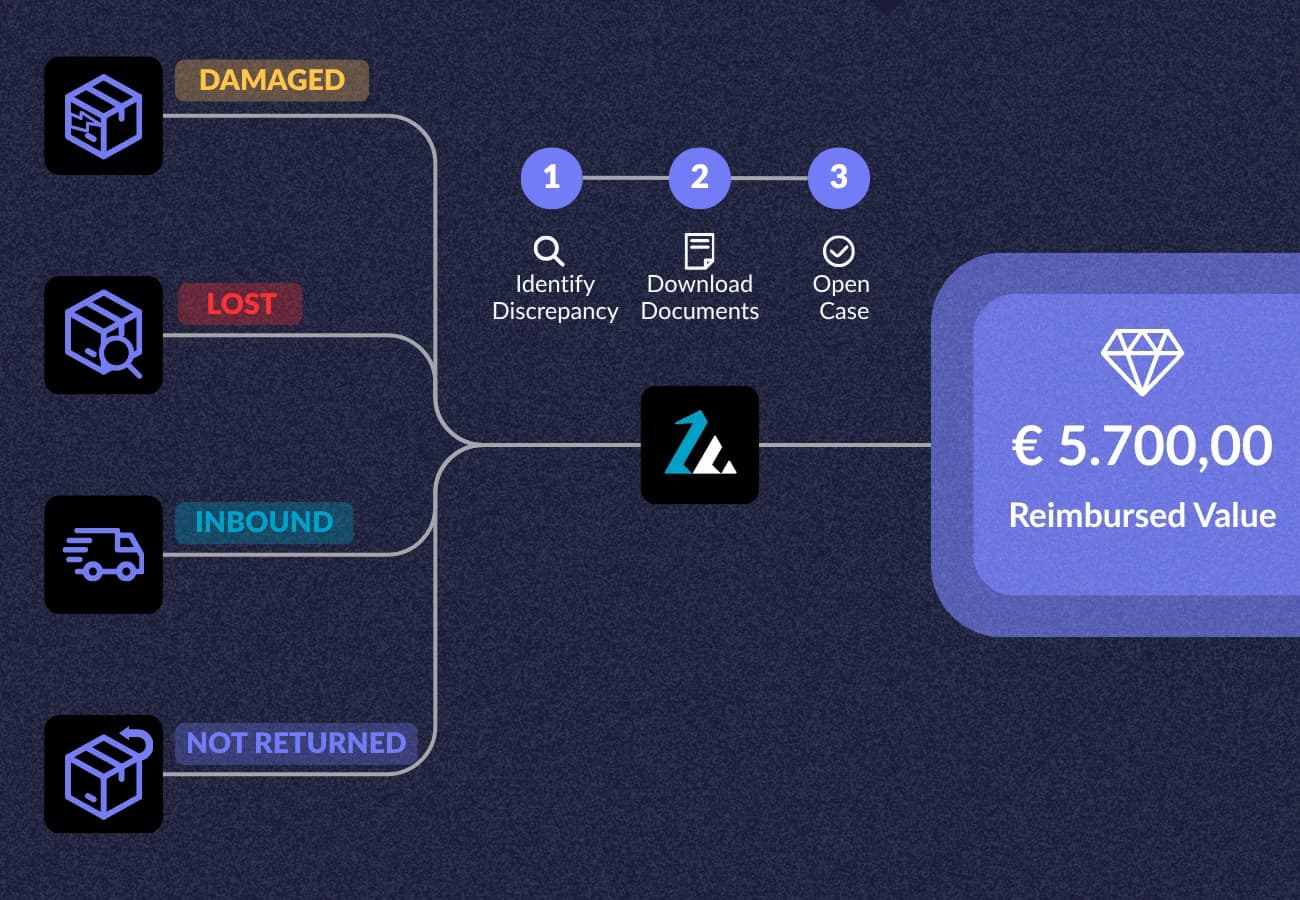
ZonWizard finds the units Amazon should reimburse you for, estimates the recoverable amount and guides you step by step through the claim, with the evidence file and the case text ready. Then it tracks the reimbursement until the case is closed.
Explore the Inventory ToolLost units
Goods that disappeared in fulfillment centers and were never reimbursed.
Damaged units
Products damaged while being handled in the warehouse.
Missing inbound
Units shipped to FBA but not recorded at receipt.
Returns never sent back
Customers who were refunded but never shipped the product back.
Alerts and automations that work while you sell
ZonWizard watches your Amazon account and only gets in touch when it matters: a margin that drops, a lost Buy Box, a threshold getting close, a shipment that doesn't add up.
Buy Box lost
Know right away when one of your products loses the Buy Box.
Pan-EU benefits lost
When a product no longer gets the benefits of the Pan-European program.
Margin below threshold
When a SKU's profitability drops below the level you set.
OSS threshold approaching
Before you exceed the EU distance sales threshold.
Account health
Low performance metrics or policy violations.
Receiving discrepancies
Units sent to FBA that don't show up as received.
Time to reorder
Reminders for supplier orders and FBA replenishments.
Automatic review requests
Sent for every order at the right time, leaving out returns and customers with negative feedback.
Buy Box lost
Amazon.de · a competitor won the Buy Box
Amazon sellers who work with ZonWizard
Reimbursements recovered, hours saved, fees under control: what our customers say in their case studies.
In just 2 hours, I recovered a total of €3,800 in refunds.
 Albero GroupRead the case study
The morning routine (FBA shipments) went from over 5 hours to under 2 hours per day.
 FLLAGG20Read the case study
On the tax and OSS side I spend 10 minutes, we cross-check with the accountants, and the close is done.
 Brico ShoppingRead the case study
Amazon's commissions had changed without warning and I had gone into a loss. Without ZonWizard I could not have noticed.
 GimodRead the case study
Amazon and all your other channels in a single view
If you also sell outside Amazon, ZonWizard combines data from Shopify, TikTok Shop, eBay, WooCommerce and PrestaShop using the same logic. Tax, profit and stock for every channel in one place, with a filter to isolate Amazon and compare its margins and performance.
Connect Amazon in 3 steps
Create your account
Start your ZonWizard free trial, no credit card required.
Connect Amazon
Authorize access to your shop from the integrations section in a few clicks.
Find your data
ZonWizard imports orders and costs and keeps them updated automatically, together with your other channels.
Amazon FAQ
Can't find the answer you're looking for? Contact us and our team of experts will get back to you as soon as possible.
Which Amazon marketplaces does ZonWizard support?
All Amazon marketplaces in the Europe and North America regions. You connect your Seller Central account by choosing your main marketplace and approving access directly on Amazon.
Can I connect more than one Amazon account?
Does ZonWizard handle VAT for the Pan-European program?
If I use Amazon's invoicing service, are invoices imported?
Can I connect Amazon Advertising?
Does ZonWizard open reimbursement cases for me?
Can I create FBA shipments in ZonWizard?
Is profit calculated on the order date or the payment date?
Is it safe to connect my Amazon account?
Ready to transform your business?
Start your free 30-day trial today, setup takes just a few minutes. No credit card required, cancel anytime.
Start Free TrialLearn MoreI have reduced the time I spend on doing my accounting, and improved my sales performance thanks to ZonWizard’s clear analysis.

Igor Sabetti
Amazon Seller