

75-character Amazon titles: how to prepare for the 27 July 2026 change
From late July 2026, Amazon will reduce the space available for product titles. In other words, the limit drops from 200 to 75 characters, spaces included. Sellers who don’t adapt in time risk having their title rewritten directly by the platform’s artificial intelligence, with no say in the matter. Better, then, to act ahead of time. After all, the title has always been one of the most important fields for a product’s organic ranking. For many sellers, it is also the result of months of testing to find which keywords really drive sales.
So let’s look at:
-
what actually changes
-
why Amazon is doing it
-
how to act before the deadline without losing ranking or running into compliance trouble.
Subscribe to Newsletter
Articles, mini-guides and updates on Amazon world from leading insiders.
What the new Amazon title rule involves
Amazon announced the change this past 10 June 2026, setting the effective date at 27 July. It also clarified that the update concerns the marketplaces of North America, the European Union, Singapore and South Africa. And it added that it applies both to Seller Central and to Vendor Central accounts. The change will be in force on practically every active ASIN.
There are two main points to keep in mind:
-
The title drops to 75 characters. That is the maximum allowed, spaces included.
-
A new field is introduced, Item Highlights, with a further 125 characters available, to be filled in as a sequence of short phrases separated by commas.
Adding the two fields together brings you back to exactly the 200 characters of before. The total amount of text available, therefore, does not change. What changes is where it goes and with what function. Item Highlights appears right below the title, both in search results on smartphones and on the product page. According to Amazon it is an indexable field, though only real algorithm usage over the coming months will tell how much weight it truly carries compared with the title.
The exceptions to know about
Not all categories follow the same rule, however. It is worth knowing this before you start trimming titles needlessly:
-
The Media category (books, music, video) is not affected by the change.
-
For fashion, footwear and jewellery, parent ASINs keep 125 characters in the United States and Canada, and go up to 130 in Japan.
For the European marketplaces, in any case, the 75-character limit applies to almost the entire catalogue. Before taking action, always check which category your products fall into. You might in fact discover that some need no intervention at all.
Also read our article What is ROI and how is it calculated?
Why is Amazon making this cut?
The reasoning is typically commercial in nature. A title of 150-160 characters, perhaps built by cramming in as many keywords as possible, may work well for an old type of algorithm but is unreadable for a customer scrolling through results on their phone. And today most Amazon purchases start precisely from mobile, where the screen truncates the title after just a few words anyway. Everything written beyond that threshold is read by no one, yet it weighs the listing down.
There is also a second factor to consider. For a couple of years now Amazon has been pushing AI applied to search, with Rufus as its shopping assistant. Unlike the old model based on keyword density, Rufus works better with descriptive, natural phrases that genuinely explain the product. In this sense, the 75-character limit is certainly no isolated whim. Rather, it formalises a behaviour that the best-optimised listings had already been adopting for some time. Given that, after all, Amazon’s guidelines recommended titles of around 80 characters even before this change.
Are you really making a profit?
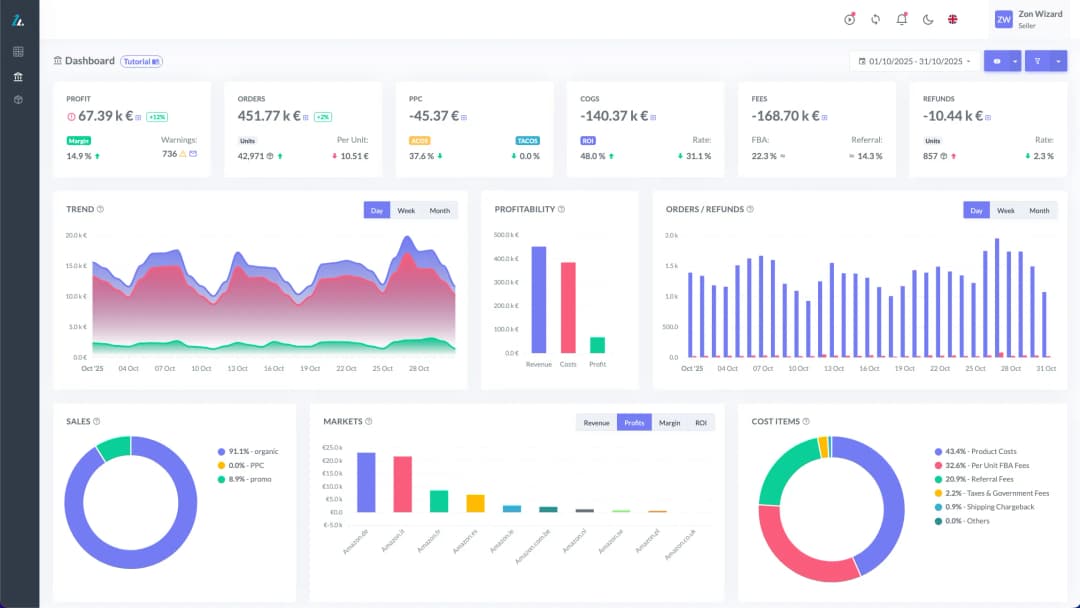
See your true net margin on every order with ZonWizard's profit analytics.
Learn MoreWhat happens if you do nothing
Once the deadline passes, titles over 75 characters are not subject to any suspension. However, they are rewritten automatically by Amazon’s AI, on a rolling basis. The treatment you receive also varies considerably depending on whether or not you have registered your brand in the Brand Registry.
With the Brand Registry you have a 14-day window in the section dedicated to reviewing changes. Here you can check, correct or reject the AI’s proposal before it becomes final. It is a useful protection, but it only works if someone monitors it. It is clear that on a catalogue of hundreds of SKUs, if no one keeps an eye on the notifications within the 14 days, a failure to respond amounts to automatic approval.
Without Brand Registry, on the other hand, there is no review window at all. The change is applied directly, and you only notice by manually checking the listings or spotting a drop in your sales data. If you still haven’t registered your brand, this is one more reason to do so. It is in fact not just a matter of protection against listing hijackers, but of control over how your product is presented.
Also read our article Amazon and the fight against counterfeiting: 15 million fake products blocked in 2025
The two real risks of an automatic rewrite
Beyond the purely aesthetic aspect, there are two types of concrete damage that a rewrite done by an algorithm can cause. And it is worth distinguishing between them, because they are not tackled in the same way:
-
Loss of ranking. If your current title sensibly contains the main keyword the product converts best on, an automatic cut could push it to the end or remove it altogether, making you lose relevance on exactly the search that brings you the most customers. An AI that optimises for length and grammatical correctness has no way of knowing which word, among the many in your title, is the one that generates revenue and which is just filler.
-
Compliance problems. This is the least discussed risk, but the most insidious. An automatic rewrite can, through the sheer juxtaposition of words, generate combinations that are problematic from a legal standpoint. A clumsy automatic shortening could in fact merge two words until, by chance, the name of a third party’s registered trademark appears, with all the consequences that entails. The same applies to claims in regulated sectors such as supplements or cosmetics. If the rewrite generates a statement that strays into a prohibited policy, Amazon’s control system flags the listing and responsibility stays with the seller, not with the platform that generated the text. In the most serious cases, this kind of flag can lead all the way to the listing being suspended.
Also read our guide Amazon inventory management: a guide to warehouse optimisation
How to act: redistribute, don’t cut
The most common mistake will probably be the most obvious one. That is, taking the current title and shortening it by removing words until it fits within 75 characters. It is a wrong approach, because it treats as simple pruning what is in reality a reorganisation of content into two different spaces, each with a precise function:
-
In the title (75 characters) it makes sense to keep only the essentials: the brand name, the main keyword you want to be found for, and the element that truly distinguishes that product variant (capacity, format, key function). It is the space that decides the click on mobile, so it should be written thinking first of the customer and then of the algorithm.
-
In Item Highlights (125 characters) you should move materials, certifications, use cases, target audience and the secondary keywords that previously crowded the tail of the title. One tip not to underestimate: do not repeat here the same words already present in the title. Every character should be used to cover different terms (synonyms, long-tail variants). Otherwise, you are simply wasting space that more attentive competitors will use to intercept searches you are missing.
Also read our article FBA or FBM: how to calculate the optimal stock level
Where to start if you have a large catalogue
With just a few weeks available, the practical problem for those with hundreds of SKUs is not so much writing the new titles as deciding the order of priority. There is no need to act on the whole catalogue with the same urgency:
-
First isolate the ASINs that generate most of the revenue. A badly rewritten title on a marginal product is annoying; the same mistake on a best seller translates directly into lost sales.
-
Check which of those products already exceed 75 characters and act there first, also verifying any membership of the categories with different rules (fashion, footwear, jewellery).
-
For low-revenue products, the automatic suggestions Amazon shows in the section dedicated to listing improvements can be an acceptable starting point, without the need for a manual intervention on each one.
-
On the products that really matter, do not accept the AI’s suggestion without review. The tool optimises for compliance with the new rule. What it does not know is your keyword strategy or the positioning you have built over time.
Conclusions
As we have seen, the cut to 75 characters does not eliminate useful space, but reorganises it. What previously all sat in a single field must now be distributed between the title and Item Highlights, with different jobs.
Those who have the Brand Registry have an extra margin of control, but it needs to be used actively. The real risk is not running out of space for keywords. Rather, it is letting an algorithm (one that knows neither your commercial strategy nor the rules of your sector) decide how the product that generates your revenue is presented.
With a few days still available, it is worth starting right away with the ASINs that matter most. Avoiding, in this way, letting Amazon choose for you.
Know your real Amazon profit
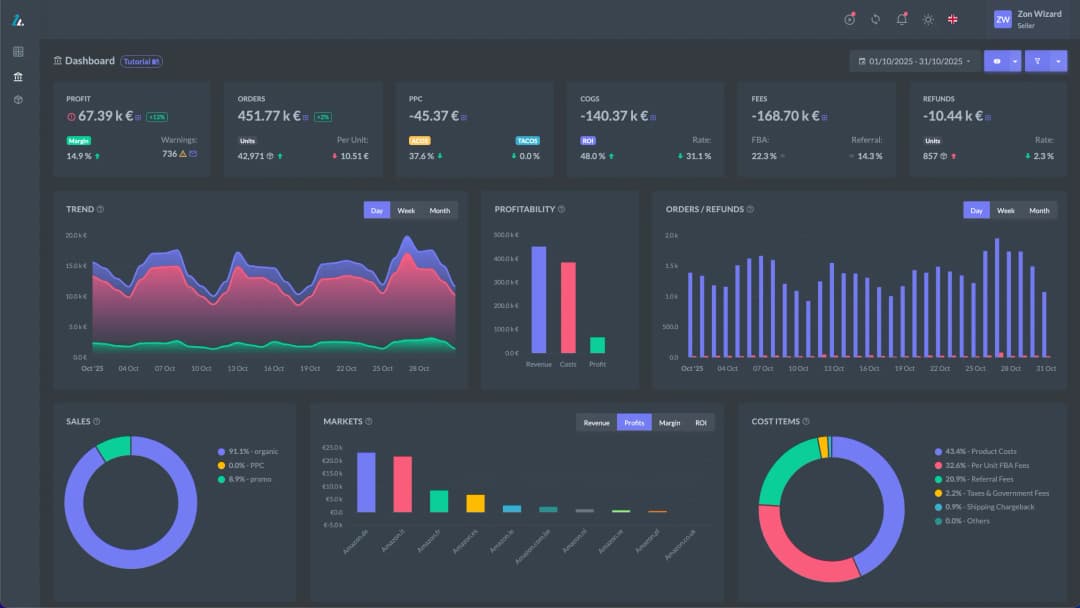
Track margins, fees and net profit in one clear dashboard with ZonWizard.
Learn MoreLoading…

Selling with PrestaShop: an introductory guide for those starting from scratch
When people decide to open an online store, the names that come up most often are usually Amazon and Shopify. But there is another route, one geared towards full control of your own store: PrestaShop. PrestaShop is in fact one of the most widely used e-commerce platforms in Europe, chosen by hundreds of thousands of…
October 6th, 2026

Selling on multiple channels profitably: the practical guide to getting started!
Selling only on Amazon is a great starting point, but today most sellers who really want to grow are looking at multichannel selling: eBay, Shopify, WooCommerce, PrestaShop, and perhaps several Amazon marketplaces at once. The potential is huge. More channels mean more customers reached, less dependence on a single algorithm and steadier revenue.
October 6th, 2026
Ready to transform your business?
Start your free 30-day trial today, setup takes just a few minutes. No credit card required, cancel anytime.