

Profit Tool: how to add external expenses
Among the other amazing features of this suite, the Profit Tool of ZonWizard allows you to keep track of all the expenses related to your business even those external to Amazon
To do so go to the Profit > External Expenses menu.
Clicking on the “Add” button will open this input mask.

In here you can indicate the date of the expense, choose whether it is recurring (daily, weekly, monthly, annual) or one-time, and eventually even the ending date of recurring payments.
Select or add a category to catalogue the type of expense and furnish a unique description to distinguish it from the other expenses.
It is also possible to associate an expense with a specific ASIN and/or with a specific marketplace.
Lastly, indicate the amount in Euros and save.

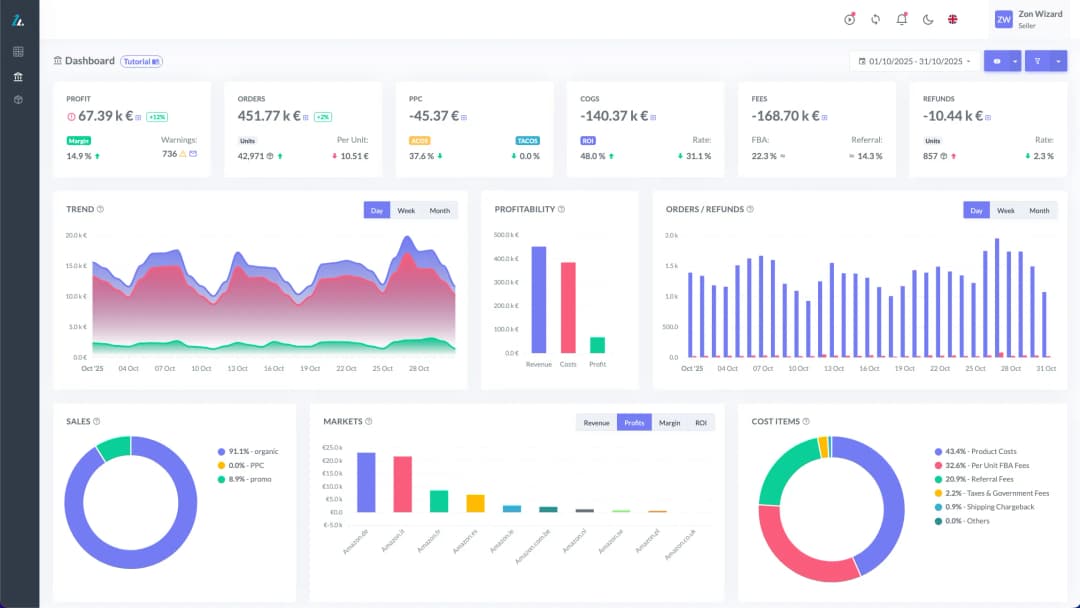
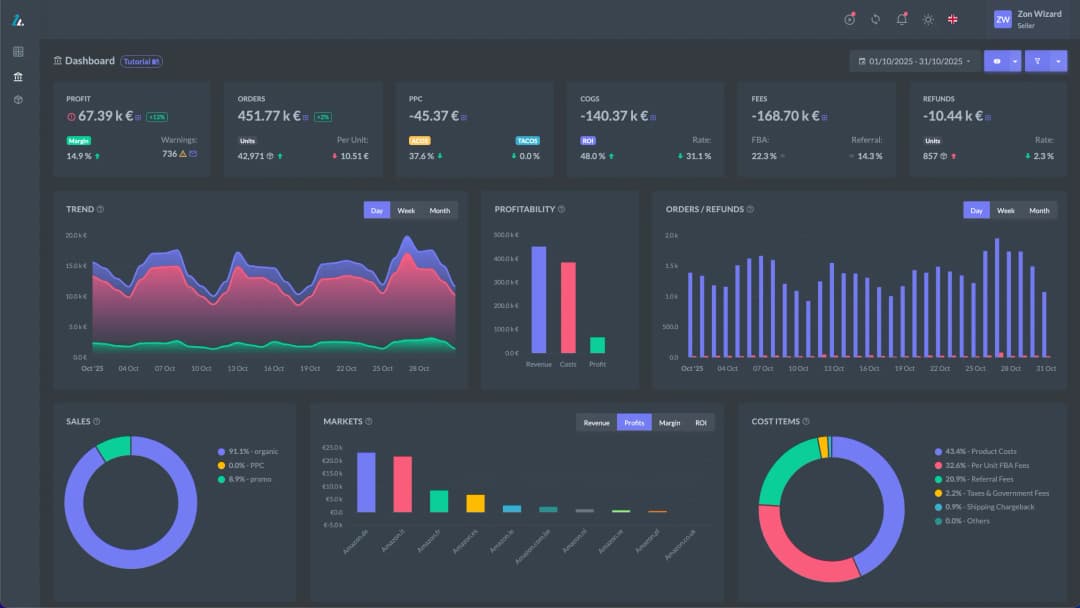
ZonWizard will keep track of these expenses and take them into account in the Profit Dashboard as well as in the Budget.
Loading…

Amazon simplifies product variation management with pre-filled Excel files
Everyone selling on Amazon knows how delicate product variation management is: different sizes, colours, flavours or formats of the same item have to be linked correctly, otherwise you risk creating: confusion in the catalogue misaligned offers in the worst cases, the exclusion of the entire family from the detail page. Well, with the new update…
August 6th, 2026

Amazon’s artificial intelligence does not look at the rankings (and for sellers that is very interesting!)
For years, anyone selling on Amazon has learned a simple rule. If you want to be seen, you have to climb its ranking or pay to appear among the sponsored ads. Two levers, two strategies, with a single goal: to occupy the top positions on the search page. But what happens when the person looking…
August 6th, 2026
Ready to transform your business?
Start your free 30-day trial today, setup takes just a few minutes. No credit card required, cancel anytime.